
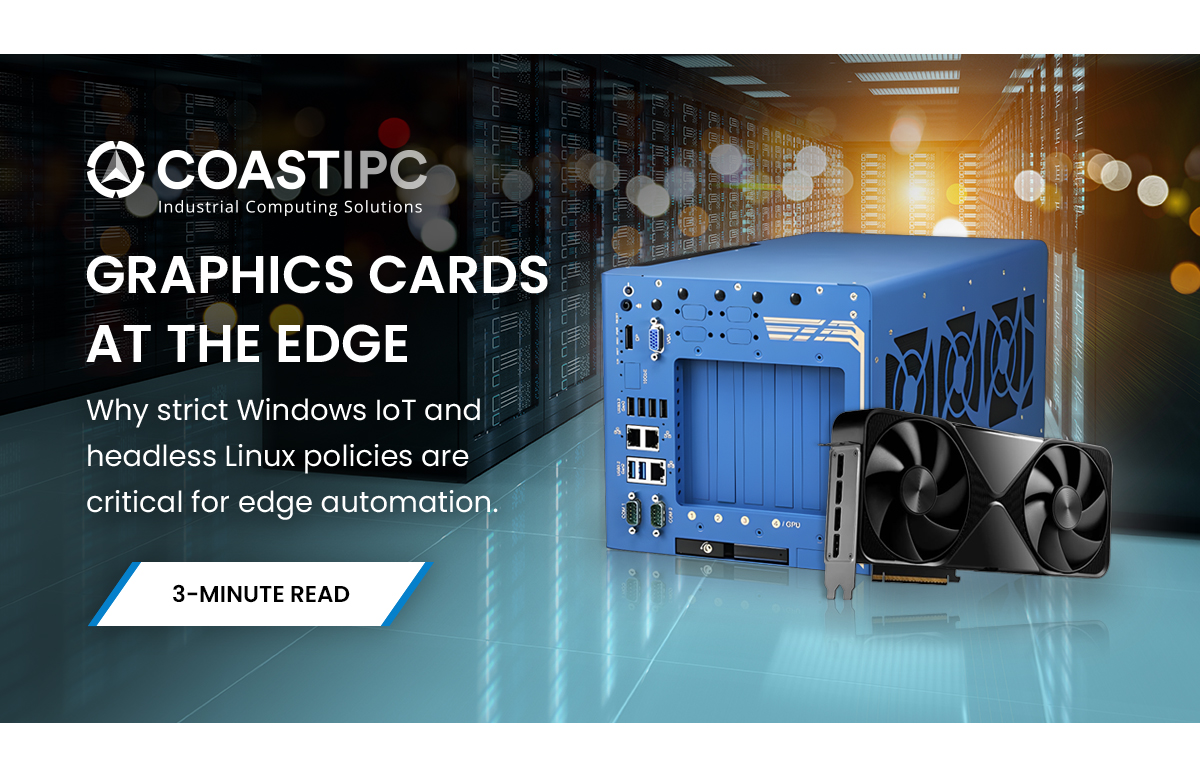
In modern industrial computing, GPUs are rarely used just to push pixels to a display. They are the high-performance engines driving machine vision, robotics, autonomous navigation, and edge AI inference.
Managing software updates is a critical challenge because these systems are often deployed in inaccessible, rugged environments, such as remote traffic cabinets or autonomous manufacturing. In the consumer world, updating a GPU driver is as simple as clicking a button in a companion app. But in remote automation environments, an unverified driver update can break a custom machine learning model, cause system instability, and result in catastrophic downtime.
When deploying industrial PCs (IPCs) for edge AI, stability is always prioritized over bleeding-edge features. Here is how engineers manage GPU driver lifecycles across both Windows and Linux in remote deployments.
The Challenge of Industrial GPU Management
Consumer-grade operating systems default to installing the newest drivers (like NVIDIA's "Game Ready" drivers) to maximize performance in software.
For an industrial edge computer running a continuous AI inference workload, this is a nightmare. A sudden, automated driver update can introduce unexpected latency, crash proprietary software, or require an unscheduled system reboot in the middle of a production cycle. Industrial deployments require strictly controlled, manual update pipelines using enterprise-grade drivers that have been heavily validated against the system's specific software stack.
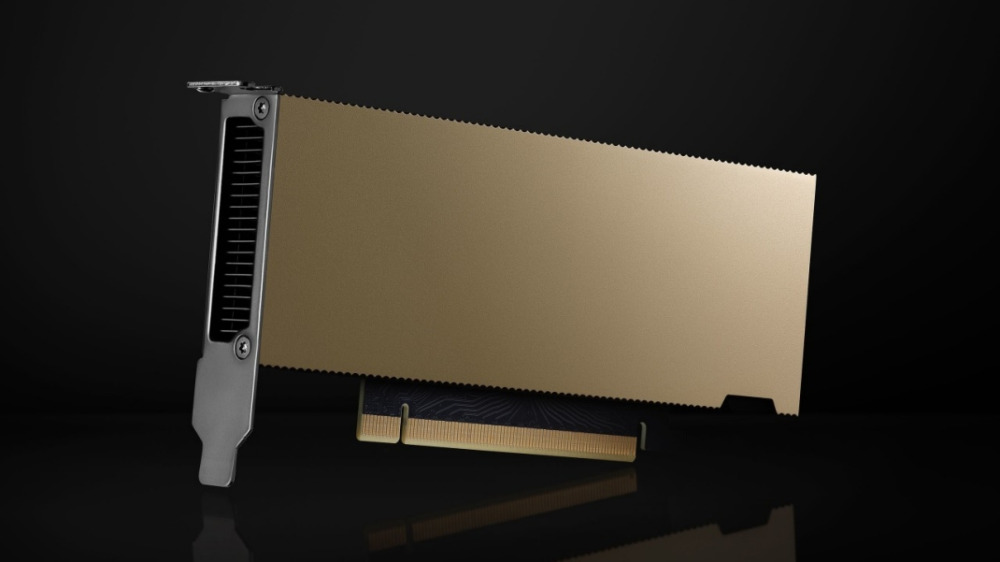
NVIDIA L4 ADA GPU 24 GB GDDR6 72W
The Windows Approach: Strict Control and IoT Enterprise
While Windows is ubiquitous, deploying it at the edge requires specific configurations to prevent automated disruptions.
- Manage Windows Update Carefully: While Windows Update is highly efficient for the initial baseline driver install, it should never be relied upon for continued, long-term support. Once systems are deployed in the field, engineers tightly tune the driver stack to interface with their specific software builds. If Windows automatically pushes a generic update overnight, it can instantly break those critical dependencies. Administrators should utilize Windows Update solely for the clean baseline install, but strictly disable it before the system goes live.
- Disable Automated Updates: Systems should be running Windows 10 or 11 IoT Enterprise (often the LTSC branch) with automated driver updates strictly disabled via Group Policy.
- Use Enterprise/Studio Drivers: Instead of consumer-focused drivers, engineers should manually deploy NVIDIA Studio Drivers or Enterprise/Production branch drivers. These branches prioritize long-term stability and undergo rigorous testing for computational workloads, rather than gaming performance.
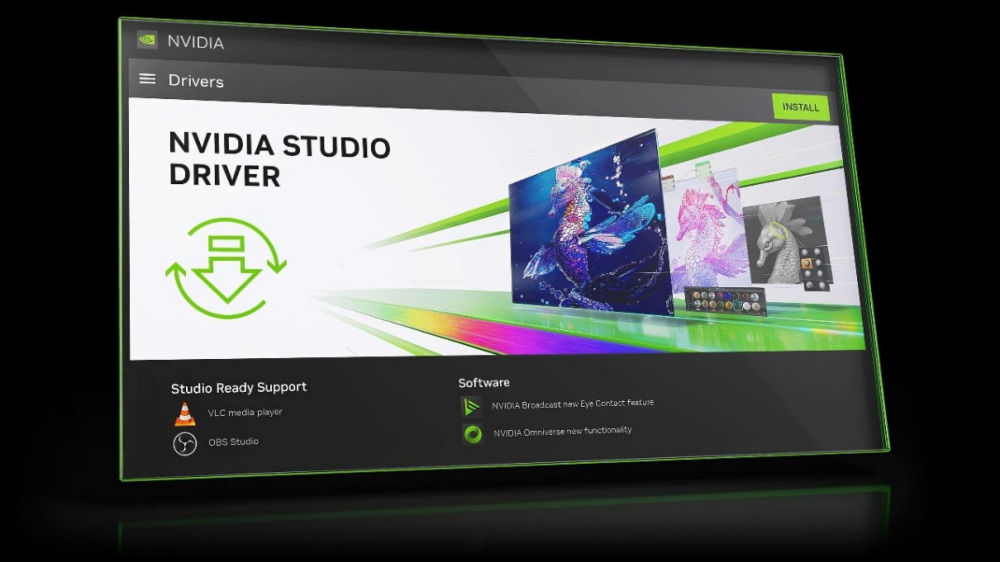
NVIDIA Studio Drivers
Avoid Consumer Cards: Choose Workstation or Datacenter GPUs
While it can be tempting to use off-the-shelf consumer GPUs to save on upfront costs, industrial edge environments require workstation or datacenter-grade hardware.
- Enterprise Drivers & ISV Certification: Consumer cards rely on "Game Ready" drivers. Workstation cards utilize NVIDIA Enterprise Drivers, which are heavily tested through ISV (Independent Software Vendor) certification. NVIDIA works directly with software giants like Siemens, Autodesk, and Dassault Systèmes to guarantee absolute stability and patch software-specific bugs that consumer drivers ignore.
- Hardware Reliability: Beyond software drivers, workstation-grade cards feature critical hardware upgrades required for continuous AI inference, such as Error Correcting Code (ECC) memory, which prevents data corruption in mission-critical deployments.
The Linux Approach: Headless Deployment and Containerization
For many edge AI and robotics applications, Linux (specifically distributions like Ubuntu) is the operating system of choice. Linux offers superior control over kernel modules and is built for headless, remote management.
- Command-Line Control: Linux allows engineers to easily SSH into remote IPCs and update GPU drivers via package managers (like apt) without ever needing a graphical interface.
- Version Pinning: Linux package managers allow administrators to strictly "pin" driver packages to a specific, verified version, ensuring that routine system updates do not accidentally upgrade the GPU driver and break dependencies like CUDA toolkits or TensorRT.
- Containerized Workloads: The modern standard for edge AI is containerization. Using tools like the NVIDIA Container Toolkit (NVIDIA Docker), engineers can package their AI applications alongside the exact GPU driver and dependencies required. This allows for seamless, reliable deployments across hundreds of remote IPCs without worrying about underlying host OS conflicts.
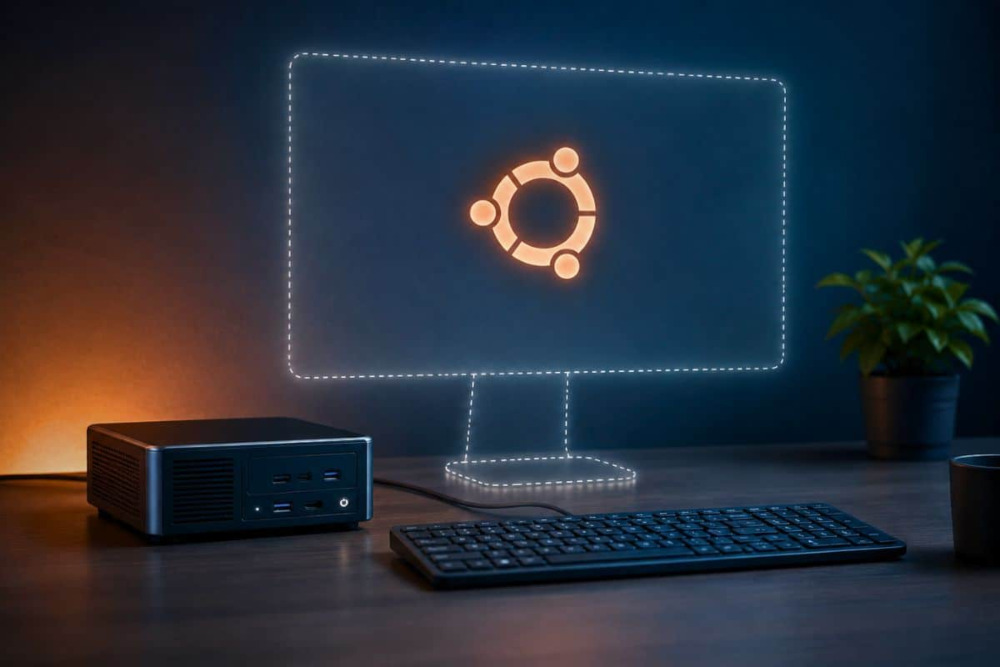
Ubuntu Headless Installation
CoastIPC: Hardware Built for the Edge
Whether your architecture relies on the strict policy controls of Windows IoT Enterprise or the headless containerization of Linux, software stability means nothing without reliable hardware.
At CoastIPC, we specialize in ruggedized industrial computers built specifically for demanding edge workloads. From fanless chassis designs to specialized PCIe expansion capabilities for advanced GPUs, our systems ensure that your hardware is as reliable as your software pipeline.
Explore our lineup of GPU-accelerated Industrial PCs: https://coastipc.com/products/industrial-computing/gpu-vpu-accelerated-computing.html